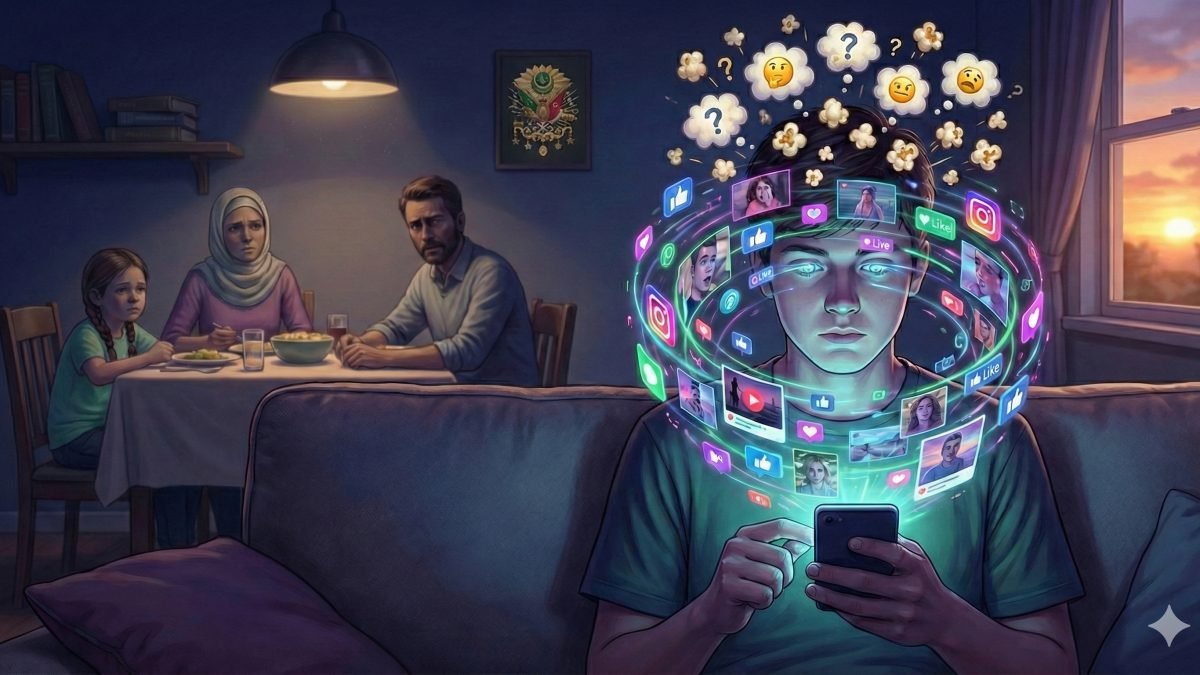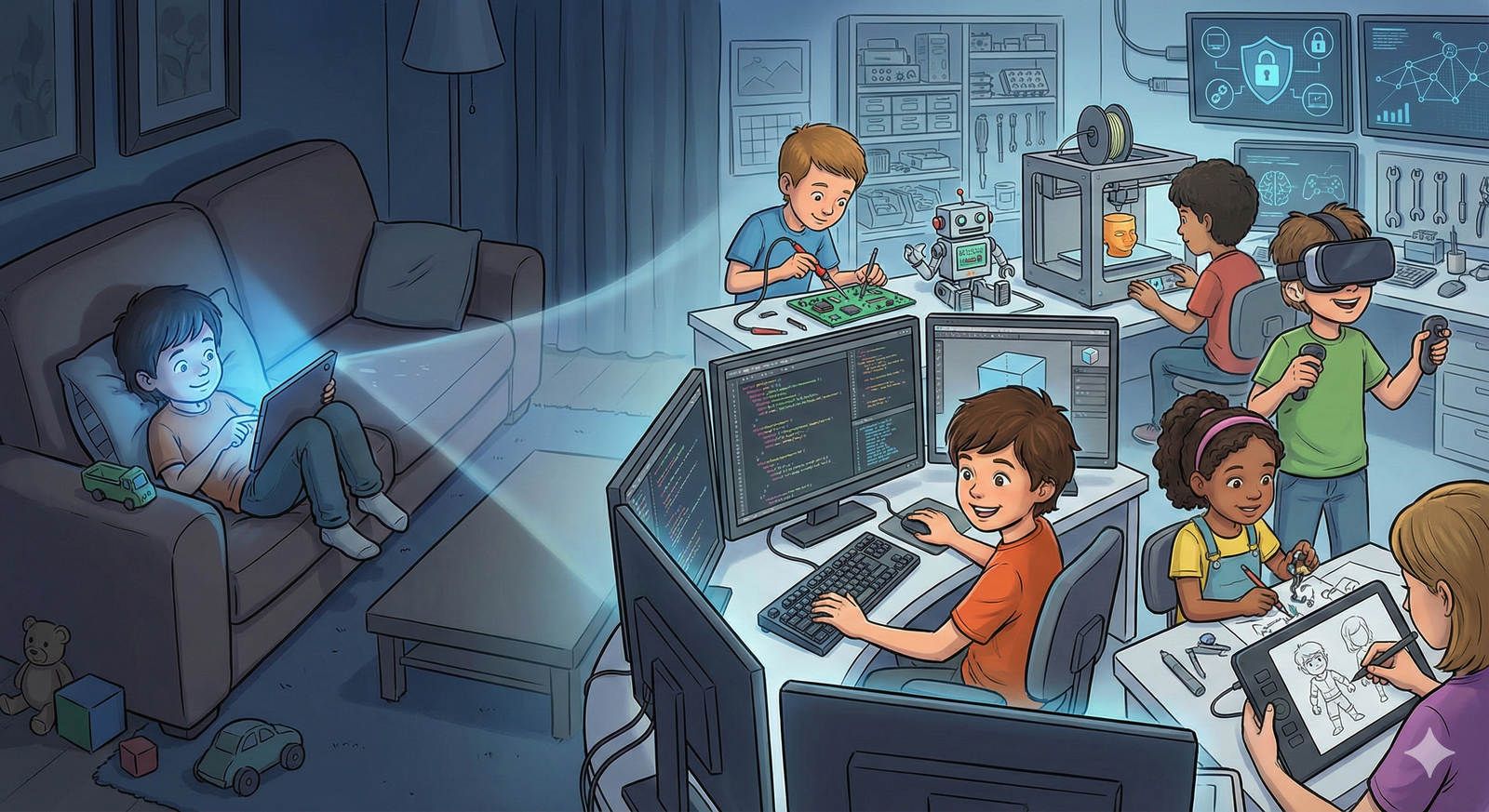
Many parents proudly say, "My child has swallowed technology." When we ask what this means, the answer is usually simple: the child opens YouTube, changes games quickly, installs applications, finds cartoons and swipes a tablet faster than adults. These actions show familiarity, but they do not prove expertise.
Being fast on a touch screen is not the same as understanding information technologies. A child who watches videos all day is a media consumer. A child who plays games for hours is a game consumer. If he does not know how a file is saved, how a web page is built, how a password is protected or how a simple command works, then he has not entered the real world of ICT yet.
Driving and building the engine
There is a clear difference between driving a car and building its engine. A person may drive with confidence and still know nothing about pistons, fuel, electricity or brakes. In the same way, a child may use applications comfortably and still know nothing about software, networks, hardware or security.
We must not confuse consumption with skill. The digital world is designed to make consumption easy. Big buttons, bright colors and endless recommendations carry the user forward. Real learning begins when the child stops being carried and starts asking: how was this made, why does it work, what happens if I change it?
Keyboard literacy first
Before advanced coding, many children need the basics: using a keyboard, typing correctly, naming folders, saving files, finding a document, writing a clean text, understanding extensions and using search responsibly. Touch screens made these skills look old, but they are still the alphabet of digital production.
A student who cannot type comfortably will struggle when writing code, preparing a report, designing a page or searching seriously. Swiping is quick, but writing organizes thought. The keyboard slows the mind enough to make it plan. That is why keyboard literacy should not be skipped.
Many paths inside ICT
Information technologies are not a single road. One child may enjoy 2D design and animation. Another may be interested in web and mobile development. One may love cyber security because it resembles solving a puzzle. Another may be fascinated by artificial intelligence, 3D modeling or game design.
The duty of adults is not to force every child into the same branch. The duty is to observe the child's talent. A child who loves stories may enter technology through game scenarios. A child who loves mathematics may enjoy algorithms. A careful child may be good at security. A visual child may shine in design. Guidance must follow ability, not fashion.
Patience for parents
Families sometimes expect a child to become a technology expert in a few weeks. This is not realistic. A child who has spent years consuming quick content will need time to enjoy slow production. At first coding may feel boring, design may feel difficult, and errors may feel discouraging.
Parents should not panic at the first difficulty. They should open space, provide good resources, set screen limits and celebrate small progress. The goal is not to make every child a programmer. The goal is to help every child stop being only a consumer and discover the dignity of producing something useful.
Knowing how to swipe a tablet is only the entrance. Real ICT education starts when the child learns to type, think, design, protect, code and create. The future belongs not to those who only use ready tools, but to those who understand and improve them.