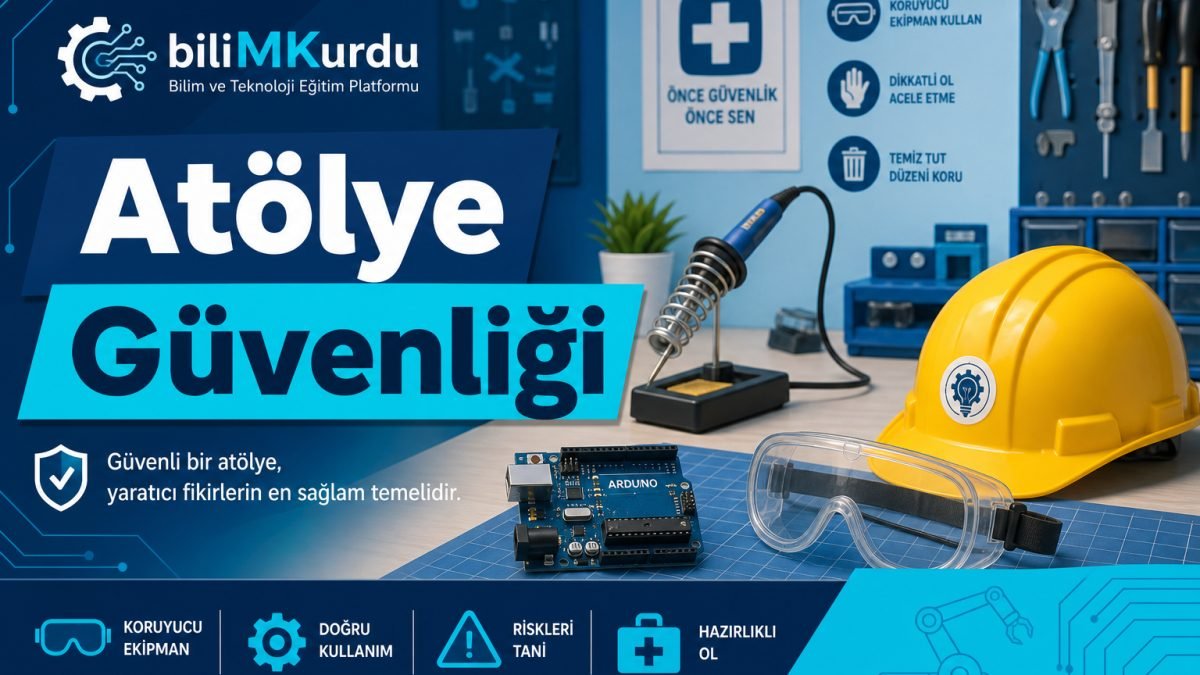
A workshop, computer lab, robotics classroom, or maker area is one of the most valuable places where students learn to create. But when a soldering station, power supply, cutting tools, and moving robot parts come together, one small moment of carelessness can cause a serious accident. This guide summarizes the basic safety rules prepared for primary, middle, and high school ICT and robotics workshops.
Golden rule: If you are not sure, do not do it. Ask. Do not touch a tool, circuit, or machine without teacher approval.
Why is workshop safety important?
The most common risks in school workshops are these:
- Electric shock or short circuit (wrong connection, wet hands, damaged cable)
- Burns (soldering iron, hot glue gun, 3D printer nozzle)
- Cuts and scratches (craft knife, pliers, saw)
- Eye injury (sawdust, solder smoke, laser)
- Falling or bumping into things (cables hanging on the floor, messy materials)
The good news: most of these risks can be prevented with simple rules and regular habits. Safety does not slow the project down; on the contrary, it reduces constant interruptions and material loss.
Before entering the workshop
Personal preparation
- Tie back long hair; do not wear loose necklaces, bracelets, or scarves.
- Do not wear loose clothing or open shoes such as slippers or sandals.
- Do not eat; do not chew gum in the workshop.
- If you feel sick, dizzy, or tired, tell your teacher; stay away from risky work that day.
Work area check
- Are the table and floor clean? Are there unnecessary cables or parts?
- Where is the emergency exit route and fire extinguisher? Learn this on the first day.
- Which shelf has the first aid kit and eye wash station, if there is one?
- Are electrical outlets and extension cables damaged? If you see damage, do not use them; report it.
Protective equipment (PPE)
| Equipment | When? | Note |
|---|---|---|
| Goggles | Soldering, cutting, sanding, drilling, 3D printer cleaning | Standard goggles; sunglasses are not a replacement |
| Mask / ventilation | Solder smoke, 3D printing in a closed room | A window should be open or an extractor should be running |
| Heat-resistant mat | Soldering, hot glue | Never place a hot soldering iron directly on the table |
| Cutting mat | When using a craft knife | Do not scratch the school desk; use your own mat |
Electricity and power supply safety
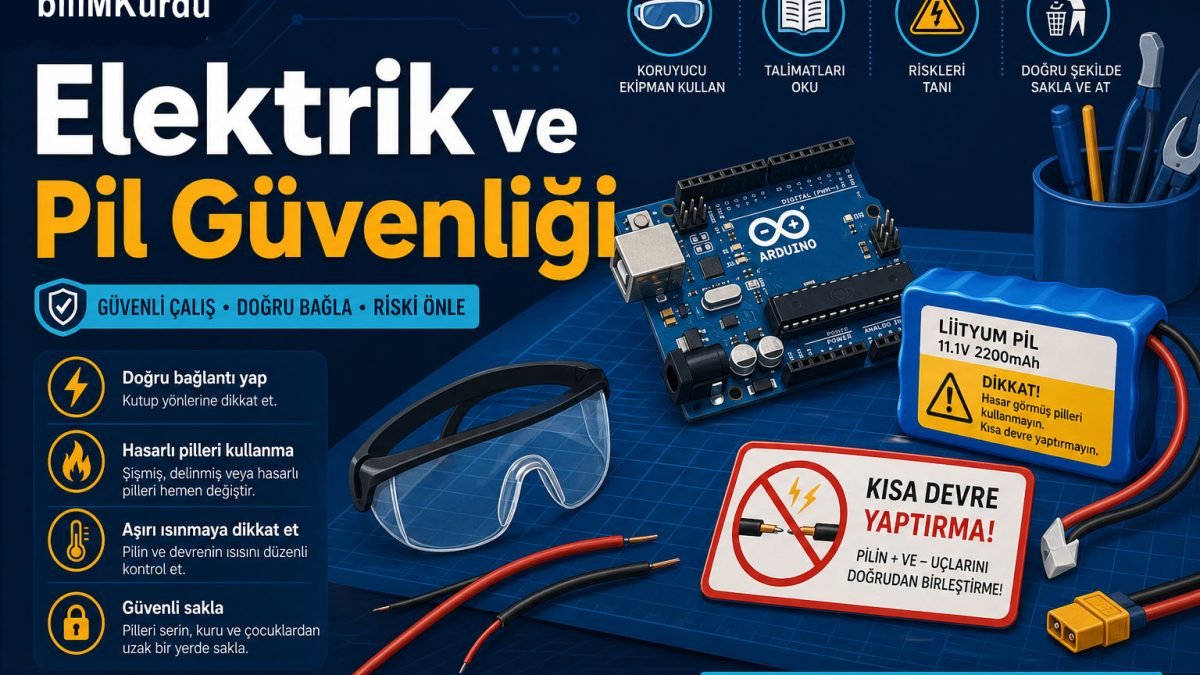
In Arduino, micro:bit, motor driver, and sensor projects, the most critical topic is correct power and polarity.
What to do
- Cut the power before wiring the circuit. Unplug USB or remove the battery.
- Check the voltage of the battery and adapter, for example a 7-12 V adapter for Arduino UNO and a BMS-protected pack for lithium batteries.
- Do not run the circuit before fixing connections that may cause a short circuit, such as plus-minus contact or loose jumper wires.
- Keep cables tidy so nobody trips over them.
- Charge batteries only with the charger and supervision specified by your teacher.
Never do these
- Do not touch an outlet or circuit with wet hands.
- Do not use or charge a damaged, swollen, or hot battery.
- Do not plug in an unknown adapter just because it fits.
- Do not connect a motor or other high-current part directly to a breadboard without a driver.
Parent note: Lithium polymer (LiPo) or rechargeable battery packs brought from home should enter the school workshop only with teacher approval and in a labeled carrying box.
Soldering and hot tools
A soldering iron works around 300-400 °C. This temperature can burn skin in seconds.
- Place the soldering iron on its stand; keep the tip hanging safely in the air.
- If solder wire contains lead, a mask and ventilation are required; lead-free solder is preferred when possible.
- Turn the iron off when the work is done; do not put it away before it cools.
- The same rules apply to a hot glue gun - the nozzle and leaking glue can cause serious burns.
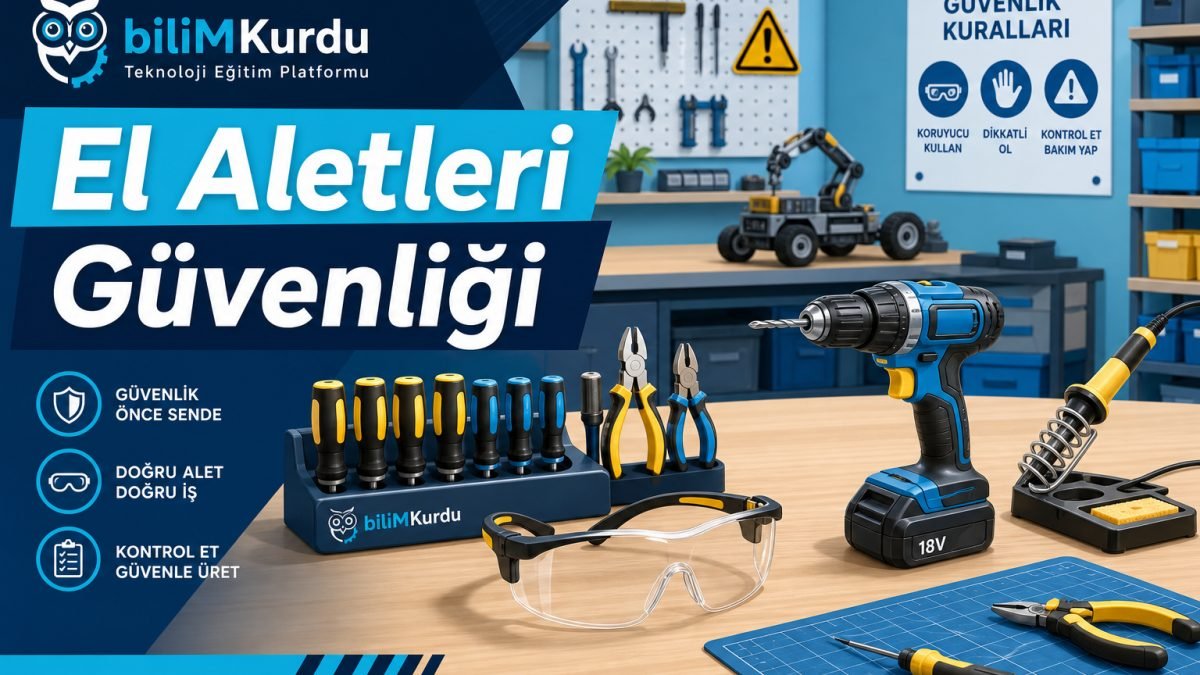
Cutting tools and hand tools
- Use a craft knife always on a cutting mat and cut away from your body.
- Close the knife as soon as you open and use it; do not leave it open on the table.
- Do not use pliers, cutters, or screwdrivers for the wrong purpose. Support your hand while tightening screws.
- Do not use a tool with a broken or loose handle; give it to the teacher.
Robotics and moving systems
In moving projects such as wheels, arms, or drones, unexpected movement can happen when power is applied.
- For the first test, raise the robot off the ground or keep the wheels in the air.
- Cut motor power or turn off the main switch while uploading code.
- Before running the program, check that nobody is nearby.
- Fly drones and similar devices only in the area and height allowed by the school.
3D printer and laser cutter, if available
- 3D printer: Do not touch the nozzle or hot bed surface during printing. Do not open the cabinet until the print is finished.
- Laser cutter: Only under trained staff supervision. It runs with the lid closed; do not cut reflective material.
What should you do in an emergency?
- Stay calm - instead of shouting randomly, give a clear warning: "Stop!"
- If there is fire, warn the teacher; for a small electrical fire, use the correct extinguisher, not water.
- Burn: Hold under cold running water for at least 10 minutes; do not apply cream or ice.
- Electric shock: Cut the power first, then help; call 112 if the person is unconscious.
- Cut: Press with a clean cloth; for a deep cut, teacher and guidance support are needed.
- Eye contact with chemical or dust: Use an eye wash station or clean water; do not rub the eye.
Quick checklist
Keep these in mind at the start of every lesson:
- Are my hair and clothes safe?
- Is my work area clean?
- Are the needed goggles or mask on?
- Am I wiring while the power is off?
- Are the battery and cables in good condition?
- Is the hot tool on its stand?
- Did I turn off and put away materials at the end?
For teachers and parents
These rules are not just a poster on the wall. A short safety briefing in the first week, repeat reminders during the year, and a mini check before each new tool or circuit help students gain safe production habits.
Parents: Apply the same principles to Arduino or robot projects your child makes at home, especially for battery charging, soldering, and cutting tools where adult supervision is required.
A safe workshop is a productive workshop. When you follow the rules, you make braver, faster, and higher-quality projects. Ask your teacher when you have questions; do not skip a step you are unsure about.