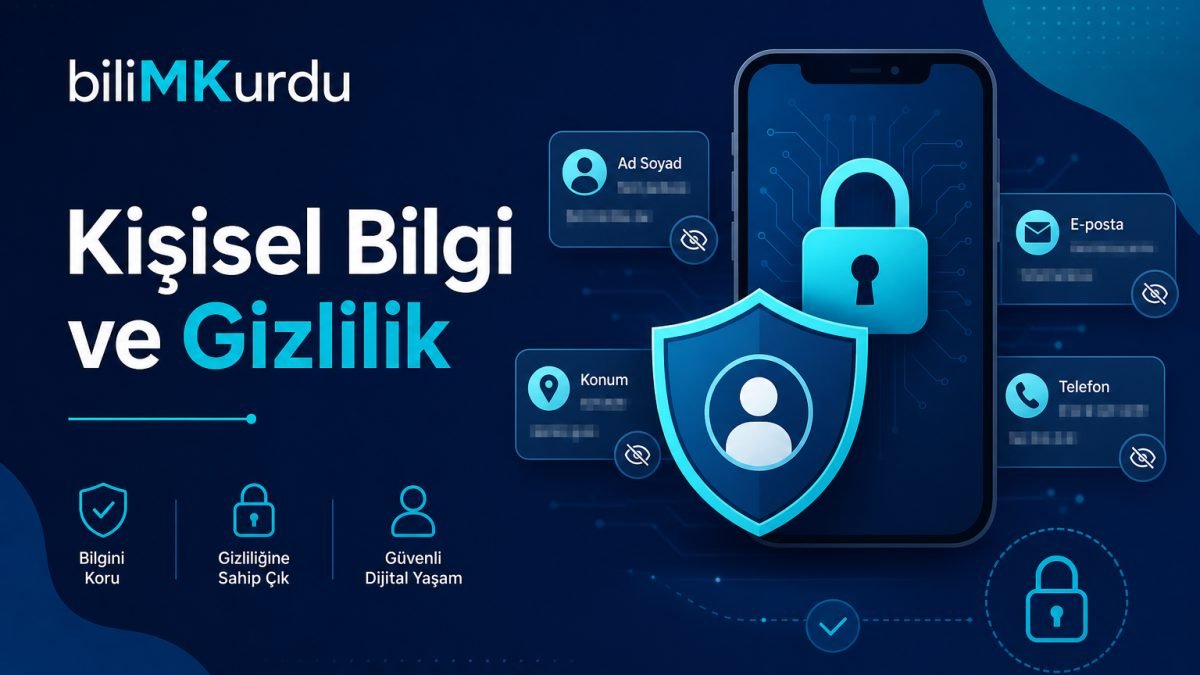
Many places on the internet ask for information to know you: game registration, social media account, survey form, or contest application. Most of the time this is normal. But you do not have to give every piece of information to everyone. If your personal information, such as your name, school, address, or photos, reaches the wrong hands, it can bother you, embarrass you, or create more serious problems.
This article is the second part of our Mindful Internet and Technology series. In the first article, we looked at general risks; now we focus on personal information and privacy. Our goal is not to scare you; it is to teach which information is private and show how you can think before sharing.
Remember: Personal information is not only your password. Your name, school, a place near your home, a photo in your uniform, or your phone number are also personal information. Before sharing, asking "Could this information harm me?" is a good habit.
What does personal information mean?
Personal information is any information that helps identify you or your family. Some of it is very obvious; some may seem harmless when you share it, but it can create risk when combined with other details.
| Information type | Example | Why is it important? |
|---|---|---|
| Identity information | Name, surname, date of birth | It can be enough to identify you |
| Contact information | Phone, email, home address | People you do not want may reach you |
| School information | School name, class, teacher name | Where you are can be understood |
| Visual information | Face photo, uniform, video inside the home | It can be shared and used for mocking |
| Location information | Live location, photo taken near home | Where you live or where you are becomes clear |
| Very secret information | National ID number, bank information, password | It should never be shared |
Sometimes information that looks harmless on its own can make it easier to find you when combined with other information. For example, not only your name, but your name + school + profile photo together say a lot.
Why is it so important?
Not everyone online has good intentions. Your personal information can be used to:
- Open a fake account and pretend to be you
- Send messages that bother you
- Approach you as if they know you from your school or neighborhood
- Collect and sell your information using the name of a contest or gift
- Share your photo without permission or mock you
This may not happen to every student who reads this article; but taking precautions is much easier than regretting later. If you made a mistake, do not feel ashamed; you can tell an adult and decide together what to do.
What is safer not to share?
The golden rule is this: Do not give personal information to someone you do not know, in a public place, or on a site you do not trust. Pay special attention to these:
- National ID number or passport information
- Home address and door number
- Phone number, for someone you do not know
- Bank card, account, or password information
- Live location sharing
- Photos from inside the home, bedroom, or bathroom
- A photo taken in front of your home while wearing your school uniform
- Private information about your family, such as parent phone, salary, or workplace
What can be shared more carefully?
You do not have to hide everything. You communicate with friends online; that is normal. But with whom, where, and how much you share matters.
- Using a nickname can sometimes be safer
- Sharing information requested by a teacher for a school project only in the place the teacher says
- Closed group chat with friends, still respectfully and thoughtfully
- Your hobbies and games you like, without giving address or school
Before sharing, you can ask this question: "Would I be uncomfortable if everyone saw this tomorrow?" If your answer is "yes" or "I am not sure", it is better not to share.
Examples close to real life
1. Free raffle form
A website says, "Fill out the form to win a tablet." The form asks for name, surname, school, phone, and address. The site name is strange, and it is an address you have not heard before.
You do not have to give all your information in such forms. If you feel uncomfortable, you can close the form and show it to your mother, father, or teacher. Real raffles are usually on official pages of known brands.
2. Writing your real name on a game profile
You wrote your name and surname on your online game profile. In the chat, someone called you by your name and asked, "Which school do you go to?"
Using a nickname in games is often safer. If someone you do not know asks your school, you do not have to answer. You can block or report the player if you want.
3. Selfie with a school uniform
After school, you took a photo where the school logo was visible and shared it on a public account. The neighborhood or school building was visible in the background.
The photo may be nice, but when school and location information combine, people can understand where you study and which area you are in. Sharing only with friends, or not sharing the school logo and background without noticing them, is safer.
4. "Send live location" request
A friend or someone you know says, "Where are you, send live location." Sometimes this is normal; sometimes someone you do not know asks the same thing.
Live location shows exactly where you are. It is better to turn it on only with someone you trust and when there is a real need. If a stranger asks, you do not have to send it.
5. Sharing a class list or student information
In a group chat, a class list, phone numbers, or parent information was shared. It may have been sent "for convenience".
Sharing another person's phone, address, or private information without permission is not right. Your information should not be shared by someone else either. If you see such a message, you can tell your teacher.
A quick look at privacy settings
Most applications and social media accounts have privacy settings. Even a small check helps:
- Check whether your account is public or only open to friends.
- Check whether location information is added to photos.
- Check whether people you do not know can send you messages.
- You can ask a parent or teacher for help; these settings can look complicated.
Setting privacy once can protect you for a long time afterward. You do not have to be perfect; learning slowly is enough.
If you shared something and regretted it
Sometimes we share something quickly or without thinking. This happens; it is normal to feel bad, but there is also a solution:
- Delete the post or set its privacy to "only me".
- If a screenshot was taken, tell an adult; decide together what to do.
- If someone shared your information without permission, tell your teacher or family.
- If the situation is very serious, such as threat or harassment, adults get involved; you are not left alone.
Regret does not mean "I should never use the internet again". It is a chance to share more carefully from now on.
A small note for parents: Instead of saying "do not share anything", it works better to talk about what should not be shared. At home, you can list together which information is private. Setting up accounts together and turning on privacy settings at a young age is a good beginning.
Short questions you can ask yourself
- Is someone I do not know asking for this information?
- Can my address, school, or phone be seen?
- Does the photo show my school uniform or home?
- Does this post include someone else's information without permission?
- Would I feel embarrassed or scared if everyone saw it tomorrow?
- If I am not sure, can I ask an adult?
Related reading and what is next?
The first article in our series, What Is Dangerous on the Internet?, offered a general map. In this article, we focused on personal information. In the next part, we will move to password and account security.
Your information belongs to you. Knowing that you do not have to share it helps you feel freer and safer online. At every uncertain step, you can ask a trusted adult; that is the best kind of help.